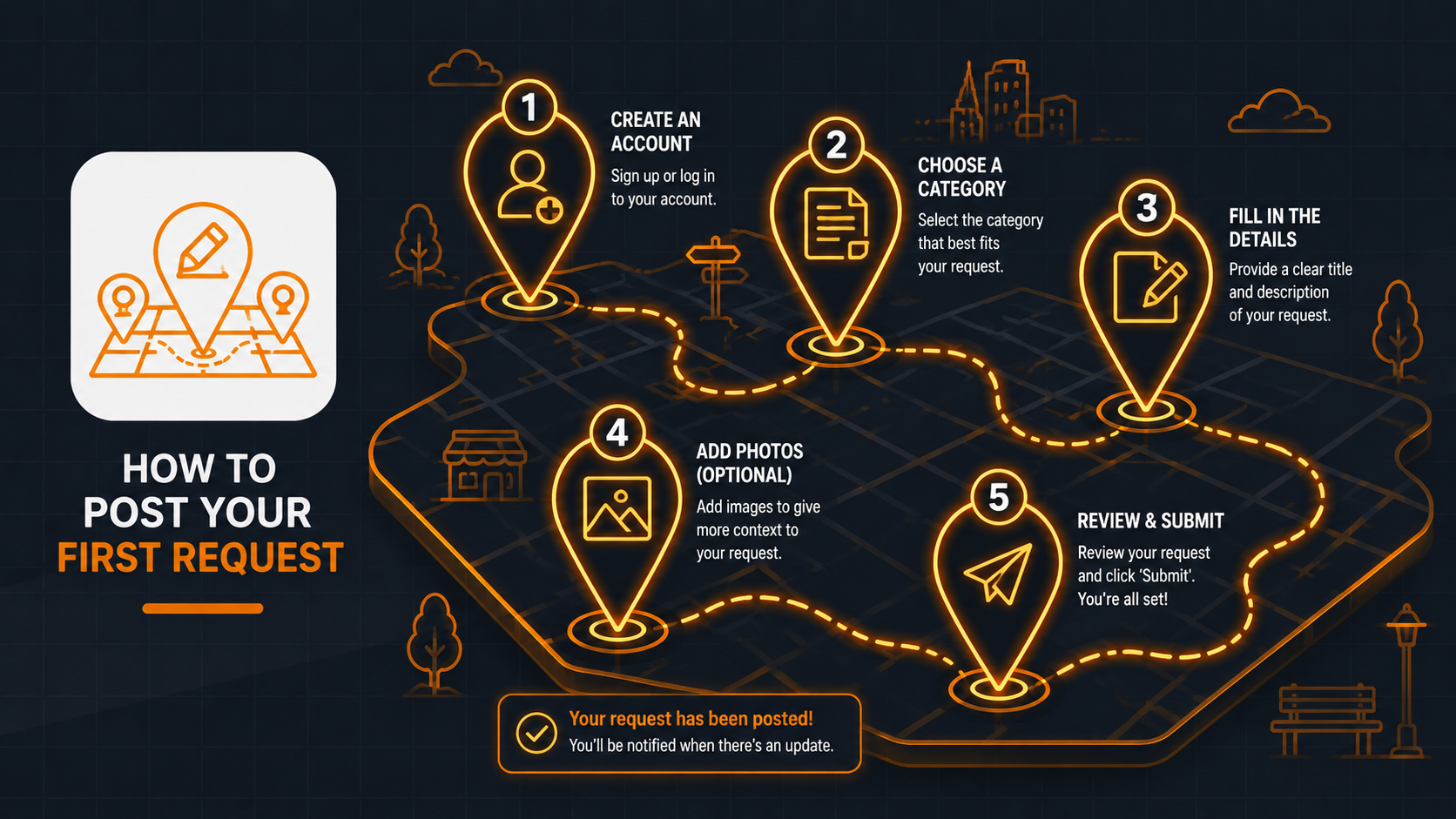
Steps to Add a Task on Brikoula
Open the Brikoula app.
Tap the Add Task (+) button.
Select the appropriate service category (Plumbing, Electrical, Air Conditioning, Painting, etc.).
Enter a clear title for your task.
Add a description explaining the issue or the work you need.
Attach photos or a video if necessary.
Set the task location on the map.
Review the information you entered.
Tap Publish Task.
Your task will appear on the map, and nearby professionals will begin sending you their offers.
Choose the offer that best suits your needs and start chatting with the professional.
Once you reach an agreement, the professional can complete the task, and you can rate their service after the job is finished.